 Keycard Pal
Air-gapped hardware wallet companion
Your keys stay on the card.
Keycard Pal signs Ethereum and Bitcoin with a Status Keycard over NFC. It talks to your wallet through animated QR codes, so nothing you sign has to pass through an internet-connected device. Free, open source, no telemetry.
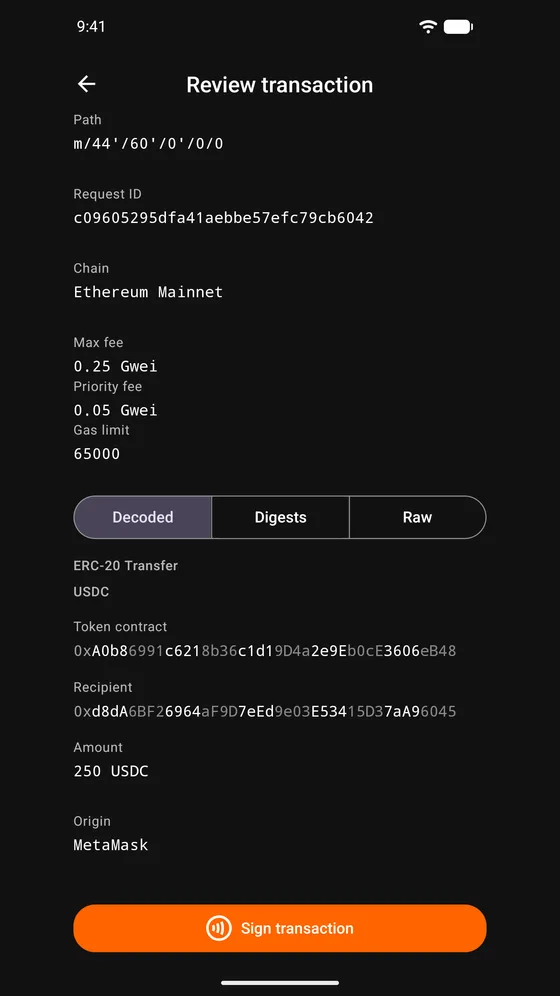
- Private keys never leave the card
- No accounts, no analytics, no telemetry
- MIT licensed
- Reproducible release builds
- Offline build with no internet permission
How it works
Four steps, no cable.
Your everyday wallet stays watch-only. Keycard Pal holds nothing and connects to nothing.
Wallet shows a request
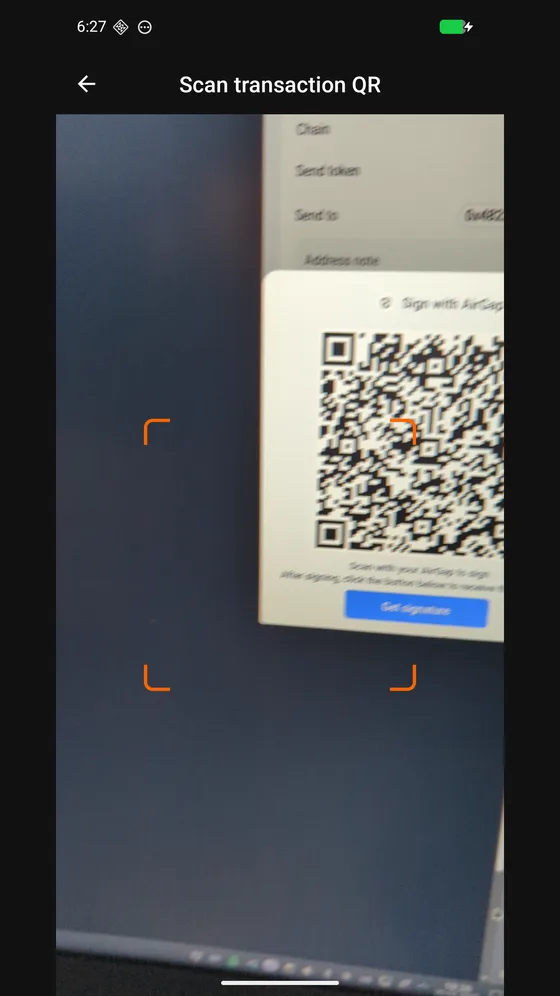
MetaMask, Rabby, Sparrow, BlueWallet or Bitget renders the transaction as a QR code.
Scan and review
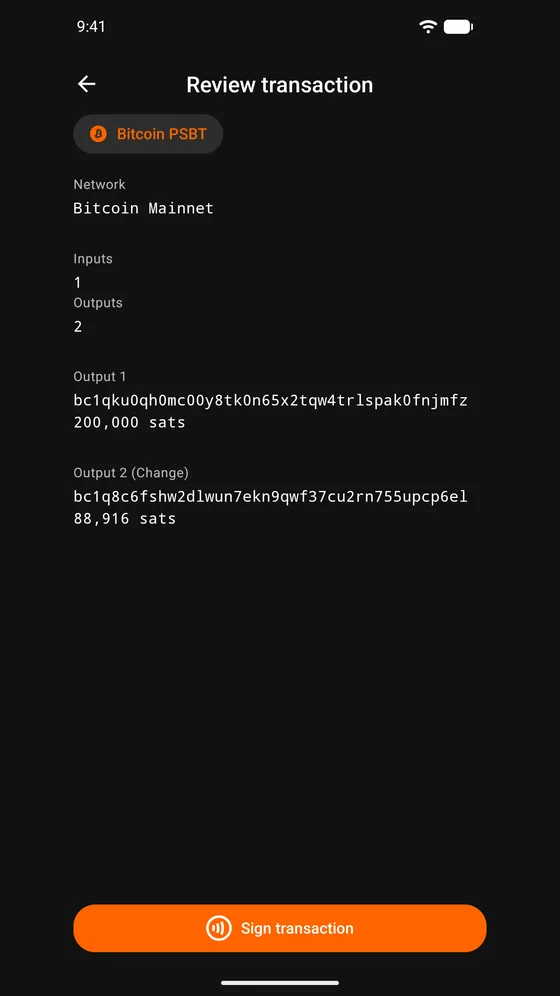
Keycard Pal decodes it and shows what you are actually signing, in words.
Tap the Keycard
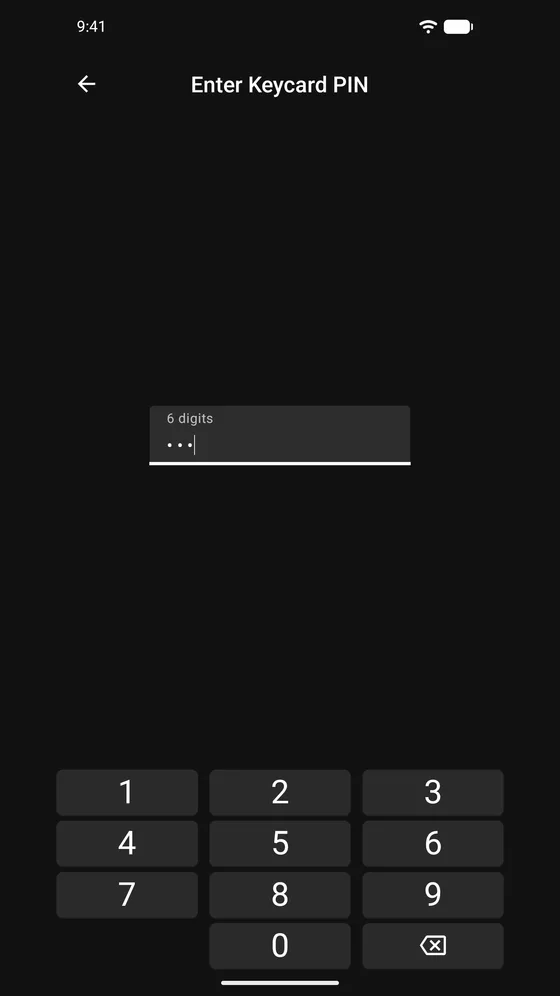
Enter your PIN, hold the card to the phone. The card signs; the key never moves.
Show the signature back
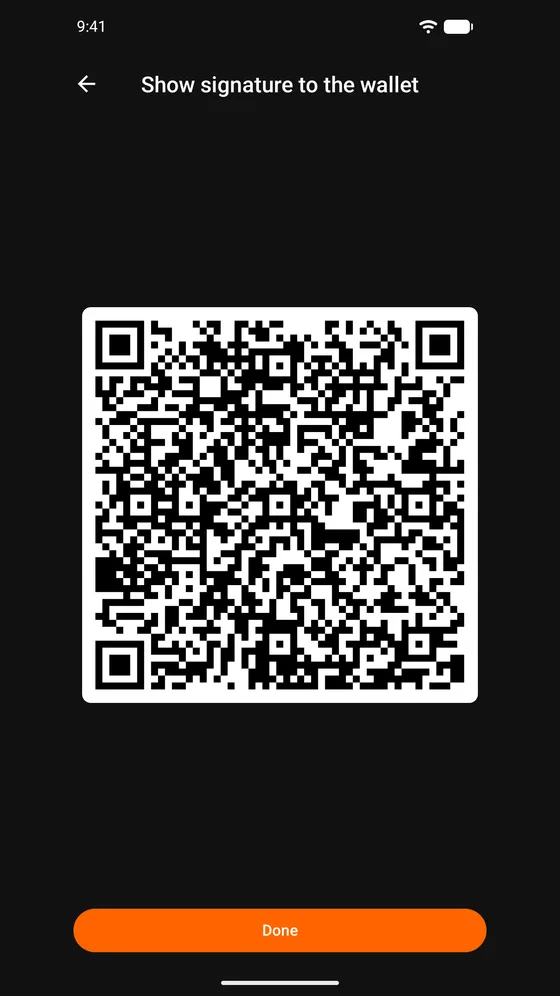
The signature goes back as an animated QR code. Your wallet broadcasts it.
Features
Read it before you sign it.
Every request is decoded and laid out before the card is ever asked to sign. Everything below works with no network connection.
Ethereum transactions
Legacy, EIP-1559 and EIP-2930. Chain name, amount in the native currency, recipient, fees and decoded calldata.
EIP-712 typed data
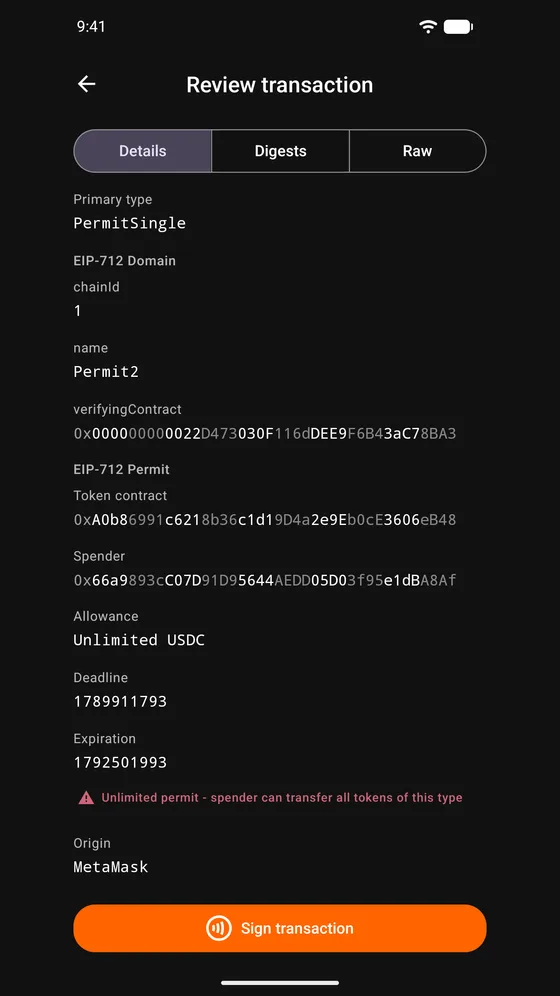
Decoded review with dedicated screens for Permit,
PermitSingle and Safe transactions, plus the digests the card signs.
Clear signing
EIP-7730 descriptors turn contract calls into plain rows. A registry snapshot ships with the app and works offline.
Personal messages
EIP-191 and Sign-In with Ethereum, so logging in to a dApp is a review like any other.
Bitcoin
PSBT signing with a per-input review, and BIP-322 message signing.
Wallet export
Watch-only keys out to MetaMask, Rabby, Ledger Live, Sparrow, BlueWallet and Bitget as UR QR codes.
Key material
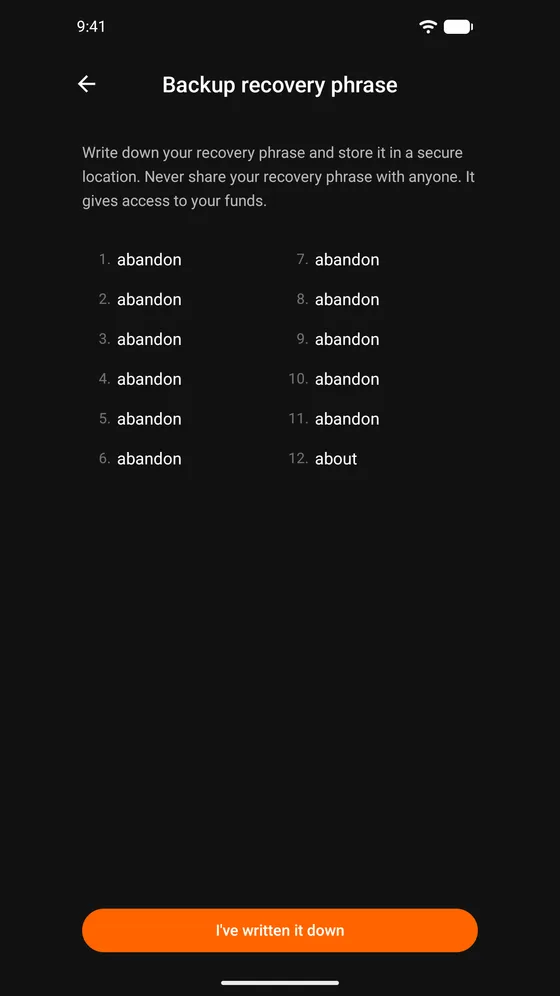
Generate a key pair on the card, import a BIP-39 phrase of 12 or 24 words with an optional passphrase, SLIP-39 shares, or scan a SeedQR.
Genuine card check
The card's certificate is verified before pairing, and an unrecognised one is brought to you before anything is written.
Card management
PIN, PUK and duress PIN, pairing slots, card name, factory reset. Nothing about your card is stored on the phone.
Online extras, off until you turn them on.
The standard build can reach the network for these four. Each one ships disabled, and none of them ever sees a private key.
WalletConnect
Connect a dApp straight to Keycard Pal instead of scanning codes, and approve its signing requests on the same review screens. You supply your own Reown Project ID.
Tenderly simulation
Simulate a transaction before you sign and see the balance changes it would cause. You supply your own Tenderly account and API key.
ENS names
Reverse-resolve addresses to .eth names through an RPC endpoint you
choose.
Token images
Fetch token logos from their public sources. Token symbols and decimals are bundled either way.
Nothing here is enabled by default, no key or credential is shipped with the app, and no traffic reaches the developer. If you would rather not have the option at all, install Keycard Pal Offline, which has no internet permission in its manifest.
Two builds
Pick how much network you want.
Both sign and manage keys identically. They differ in one line of the Android manifest.
Keycard Pal
com.keycardpal- Everything in the offline build
- WalletConnect, Tenderly simulation, ENS names and token images available
- Each of them off until you turn it on in Settings
Keycard Pal Offline
com.keycardpal.offline- No
INTERNETpermission in the manifest - The online code is not in the build, not merely switched off
- Signing, key management and wallet export, unchanged
Screenshots
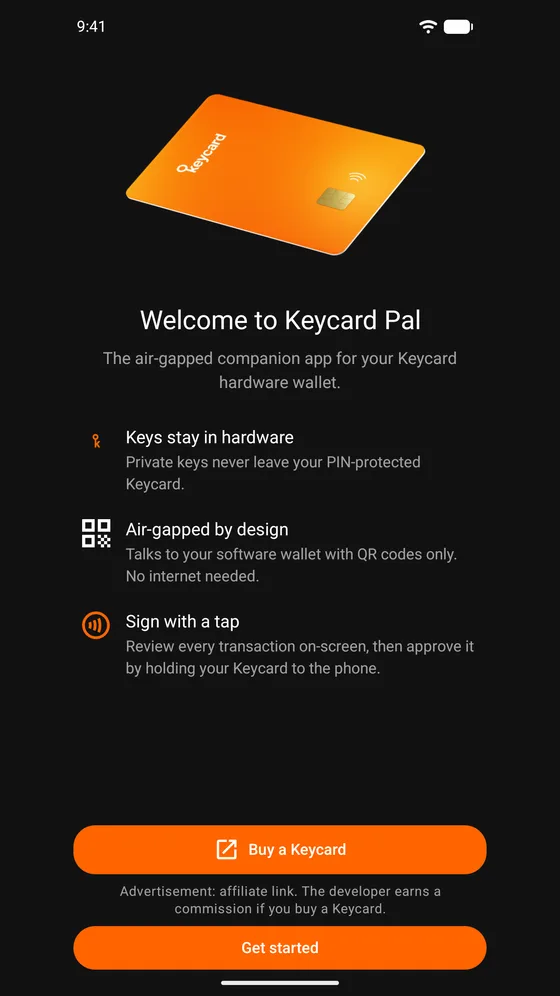
What it looks like.
Install
Available now on Android.
Google Play carries the standard build. The developer-signed APKs on GitHub and in the F-Droid repository below carry both builds, including Keycard Pal Offline.


The Play copy is re-signed by Google Play App Signing; the GitHub and F-Droid copies are signed by the developer. Two different signatures means one cannot update the other, so pick a source and stay with it. The F-Droid repository above is the developer's own, serving the same APKs that are attached to each GitHub release.
- F-Droid repository URL
- https://fdroid.keycardpal.com/repo/
- Repository fingerprint
- 24EB891A8A617F8BF20892CB0CF9267709BA94056E64242AD9EDF638C2FED3D2
- Signing certificate SHA-256
- A8:3C:11:4B:1F:42:01:DA:FB:D0:3E:22:1F:1C:29:28:EC:B5:2B:78:BD:A5:E9:3F:29:6F:ED:F2:29:8E:54:6B
- Requirements
- Android 7.0 (API 24) and NFC. A Keycard.
Every release attaches
SHA256SUMS.txt so you can check an APK
before installing it, plus per-architecture splits for a smaller download. For most
people the universal APK is the right one.
The hardware
Keycard Pal needs a Keycard.
The app is the companion, not the wallet. Signing happens on a Status Keycard, an NFC smart card you hold to the back of the phone. No USB, no Bluetooth, no battery. Cards are sold at keycard.tech.
How it is built
Stated up front.
Keycard Pal is developed with substantial help from AI coding assistants (Claude and Codex). I decide what gets built, read and test what goes in, and maintain it myself.
What keeps that honest is in the repository: a Jest suite that runs on every pull request, architecture decision records explaining why things are the way they are, a check that the offline build carries no online code, and release APKs that anyone can rebuild byte for byte. Fixes that belonged upstream were sent upstream. Every release is tested on real Keycards and real phones before it ships.
Donations
Voluntary, and nothing in return.
If Keycard Pal keeps your funds safe, you can send a coffee my way. Addresses are in DONATE.md and on the app's About screen. Donations are voluntary and nothing is unlocked, changed or promised in return.